Custom Photo T-Shirts: How to Print a Photo That Actually Looks Good on Fabric
Custom tee $35.85Ready-made tees from $35.99Printed in 5–7 working daysFree worldwide shippingNo minimum
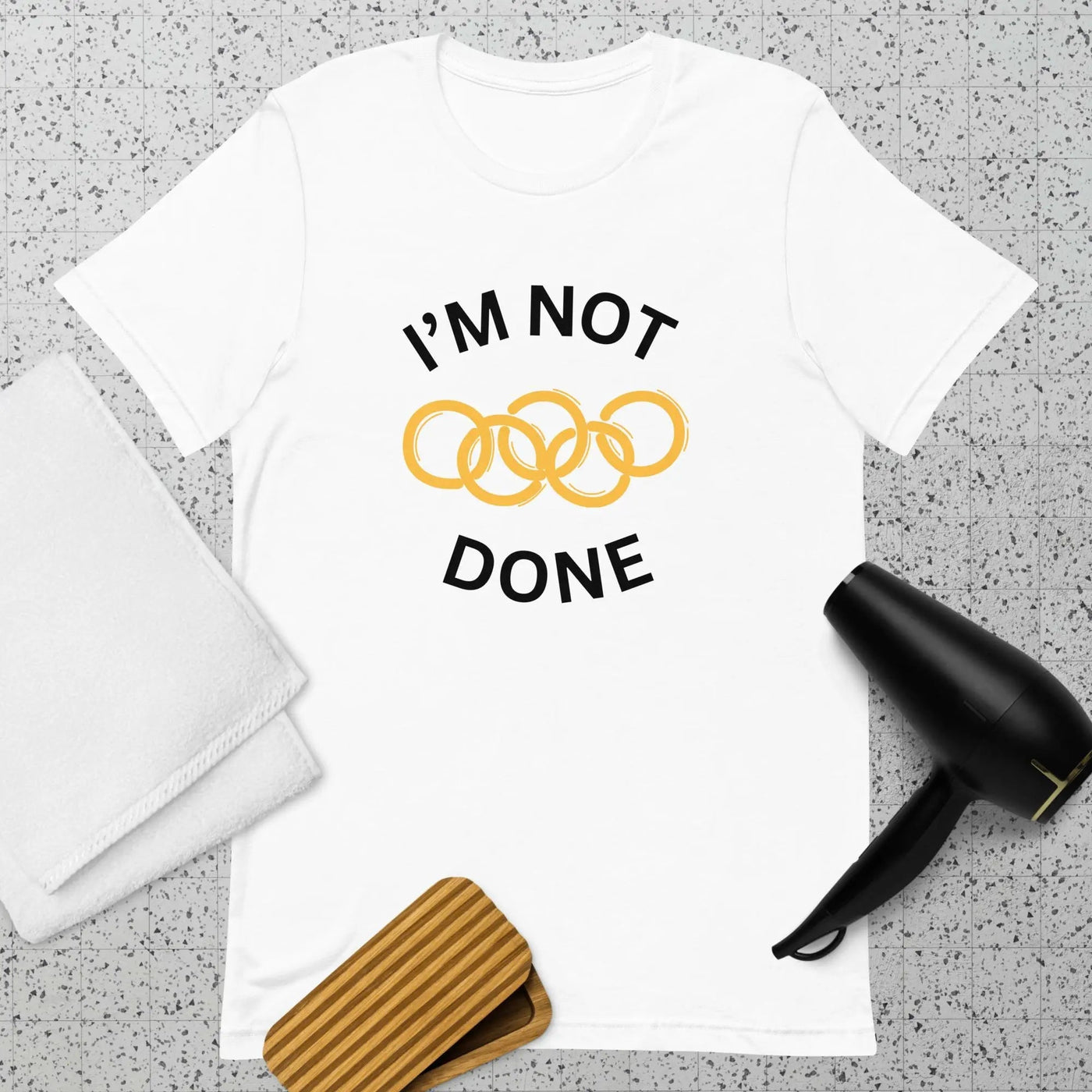
A white unisex t-shirt ready for a custom photo print
A photo t-shirt is the easiest custom garment to order and the easiest to get wrong. The difference between a print that looks like a keepsake and one that looks like a bad photocopy is decided before you upload: the resolution of the file, the light in the original photo, and the colour of the shirt. This guide covers all three, plus what to do with a photo that isn't good enough.
| Key takeaways | |
|---|---|
| Minimum file size | 2,000 px on the short edge for a chest print; 3,600 px is safe |
| Best shirt colour | White or cream for any photo; black only for high-contrast images |
| Best photo type | Bright, front-lit, one subject, plain background |
| Worst photo type | Dark, backlit, screenshot, zoomed-in phone crop, group photo |
| Cost | About $36 delivered, no minimum |
1. Check the file before anything else
Printing needs roughly 200–300 pixels per inch. A 12-inch chest print at 250 dpi is 3,000 pixels wide. Here is what different sources actually give you.
| Source | Typical size | Largest good print |
|---|---|---|
| Modern phone camera, original file | 4,000 × 3,000 px | Full chest, easily |
| Photo saved from WhatsApp | 1,600 × 1,200 px | 6 in — pocket size only |
| Photo saved from Instagram or Facebook | 1,080 px | 4–5 in |
| Screenshot of a photo | 1,170 × 2,532 px (mostly empty) | Usually unusable |
| Scanned print, 300 dpi | Depends on the original; a 6×4 scan gives 1,800 px | 7 in |
| Cropped-in phone photo | Whatever remains after the crop | Check the actual pixels, not the preview |
How to check on a phone: iPhone, open the photo, swipe up, and read the dimensions. Android, open the photo, tap the three dots, then Details. If the short edge is under 1,500 px, get the original from whoever took it rather than the version that came through a messaging app. Messaging apps compress; email and AirDrop do not if you choose "actual size".
Upscaling can rescue a borderline file. It cannot invent detail that was never captured, so a blurry 800-pixel photo stays blurry at 4,000 pixels. Changing the dpi number in an image editor does nothing at all; only adding real pixels helps.
2. Which photos print well
| Works | Struggles | Why |
|---|---|---|
| Bright daylight, front-lit face | Backlit, sun behind the subject | Fabric printing loses about one stop of shadow detail |
| One person or one pet, filling the frame | Group photo, whole wedding party | Each face gets tiny; at 12 in wide, ten faces are half an inch each |
| Plain or blurred background | Busy background, clutter | Background prints as a rectangle unless it is removed |
| Strong colour contrast | Grey-on-grey, low contrast | DTG ink flattens mid-tones |
| Sharp focus | Motion blur, digital zoom | Blur magnifies with print size |
Tap any idea to see it on a tee — $35.85, free shipping
3. Shirt colour changes the result more than you expect
| Shirt colour | What happens to a photo | Use when |
|---|---|---|
| White | Truest colours; no white ink underbase needed | Always, unless there is a reason not to |
| Cream or natural | Slightly warm, film-like | Portraits, vintage photos |
| Heather grey | Colours mute slightly; lighter areas take on the shirt | Casual, forgiving |
| Black or navy | Needs a white underbase; edges of the photo show as a visible rectangle unless the background is removed | High-contrast images, cut-out subjects only |
The rectangle problem is the most common complaint about photo shirts. A rectangular photo on a dark shirt prints as a rectangular block. Two fixes: use a white shirt, or cut the subject out so the background is transparent.
4. Placement and size
| Placement | Size | Best for |
|---|---|---|
| Full chest | 10–12 in wide | One subject, high-resolution file |
| Chest with text below | 8 in photo, 2 in text | Memorials, birthdays, "Est." dates |
| Left chest | 3–4 in | Pets, a face, subtle everyday wear |
| Full back | 12 × 14 in | Group photos, collages, team shirts |
| Repeated small | 2 in, tiled | The joke shirt of a friend's face |
5. What to do with a photo that isn't good enough
Turn it into an illustration. A cartoon, line drawing or watercolour version of a low-resolution photo prints beautifully at any size, because the detail is drawn rather than captured. It also solves the background rectangle and the dark-shirt problem at once. Describe the photo in one sentence in the Wearlie designer: "a line-drawn portrait of a golden retriever with one ear up, single black line, no background". This is the standard approach for pet shirts; see custom dog shirts.
Tap any idea to see it on a tee — $35.85, free shipping
6. Photo shirt ideas that people actually keep
- Memorial: a portrait with the name and dates in small serif underneath, on cream
- Pet: the pet's face, left chest, small, with their name
- Birthday: a childhood photo of the birthday person, printed on shirts for the whole party
- Anniversary: the wedding photo redrawn as a line illustration
- Team or class: the group photo on the back, names underneath
- Baby: the scan image with the due date; see announcement shirts
- Joke: a friend's least flattering photo, tiled small, for their birthday
- Grandparents: a photo of the grandchildren, front-lit and cropped tight; see grandma shirts
7. Permission and copyright
You need the right to use the image. A photo you took is yours. A professional portrait or wedding photo usually belongs to the photographer, and print services can reject it; most photographers grant permission for a personal print if you ask. Celebrity photos, stills from films and stock images without a licence will be refused. A photo of a person who is not you, printed for public wear, is a courtesy question as much as a legal one.
8. Ordering checklist
- Get the original file, not the messaging-app copy. Check the short edge is 2,000 px or more.
- Choose a white or cream shirt unless the subject is cut out.
- Crop tight on one subject; leave the background out or blurred.
- Decide the placement and size from the table above.
- Preview it at full size and look at the eyes: if they are soft in the preview, they will be soft on fabric.
- Order one, check it, then reorder in quantity. No minimum, so the test costs $36.
Care
Photo prints have more ink coverage than a line design, so they benefit most from cold water, inside out, and no tumble drying. See how to wash printed shirts.
Frequently asked questions
What resolution does a photo need for a t-shirt?
At least 2,000 pixels on the short edge for a full chest print; 3,600 is comfortable. Below 1,500 the print will be visibly soft.
Can I print a photo on a black shirt?
Yes, but the rectangular edge of the photo will show unless the subject is cut out. White and cream give the truest colours.
Why did my photo shirt come out dull?
Usually a low-contrast or backlit original. DTG ink flattens mid-tones, so photos need more contrast than they do on a screen.
How much does a custom photo t-shirt cost?
About $36 delivered, no minimum, every size the same price.
Can I use a photo taken by a professional photographer?
Only with their permission; the copyright is usually theirs, not yours.