How to Design Your Own T-Shirt With AI: The Prompt Formula, the Two Checks, and What Still Goes Wrong
Custom tee $35.85Ready-made from $19.99Printed in 5–7 working daysFree worldwide shippingNo minimum
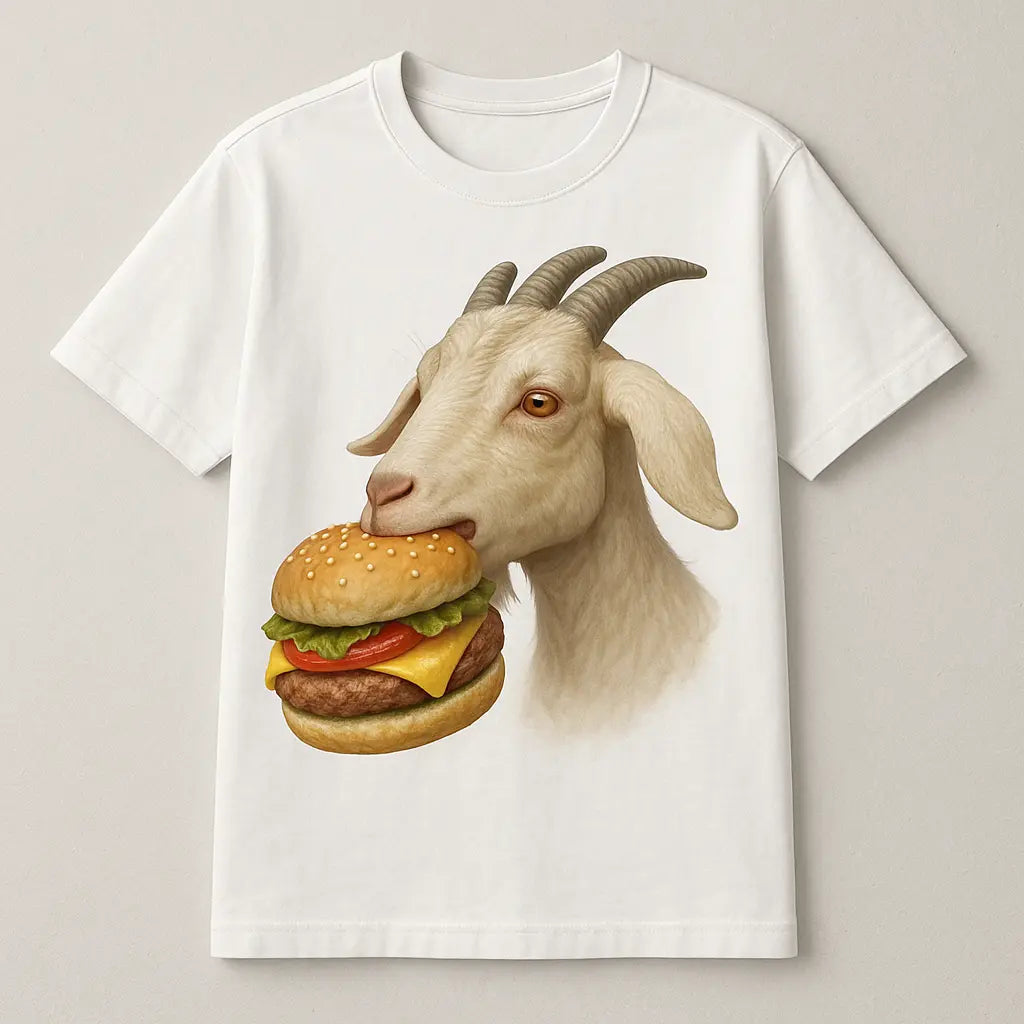
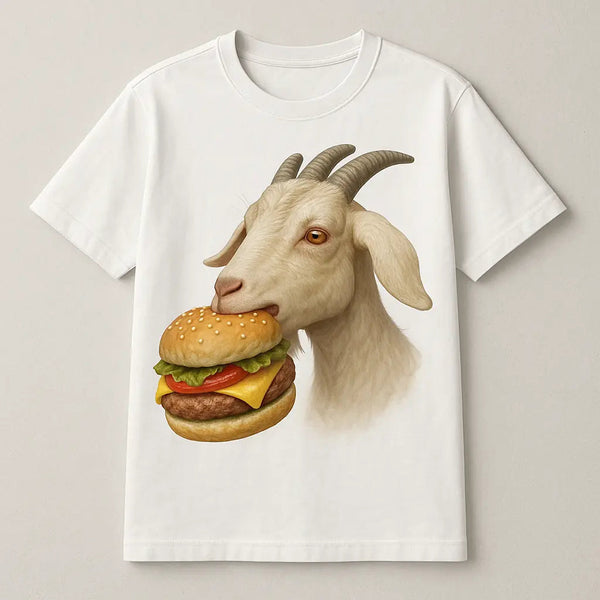
A goat eating a burger printed on a t-shirt, generated from a text prompt
Designing your own t-shirt with AI takes about two minutes and works well for illustrations, lettering and badges; it works badly for exact faces, long sentences and anything trademarked. The difference between a design that prints crisply and one that arrives blurry with a white box around it comes down to five things in the prompt and two checks in the preview. This guide walks through the whole process, from the sentence you type to the shirt at your door.
| Key takeaways | |
|---|---|
| Time | Two minutes to a print-ready design; two to four weeks to delivery |
| Cost | Free to generate; $36 for the printed tee, delivered, no minimum |
| The prompt formula | Subject, style, composition, palette, background |
| Two preview checks | No box around the design on a dark shirt; every letter spelled correctly |
| What AI can't do | Exact likenesses, long text, licensed characters, Pantone colours |
Which kind of AI t-shirt tool you're using
| Type | Output | What you still have to do |
|---|---|---|
| General image generator | A ~1,000-pixel image, often with a background | Upscale to 4,000+ pixels, remove the background, find a printer, upload, order |
| Standalone t-shirt design generator | A PNG, sometimes transparent | Upscale, find a printer, upload, order |
| Design-to-garment store (Wearlie) | A print-ready graphic previewed on the actual shirt | Pick colour and size, order |
The first two produce a file. The third produces a shirt. The steps below assume the third; if you are using a standalone tool, the resolution and background sections still apply, and you will need to handle them yourself. See AI t-shirt design generators compared.
Step 1: Decide the placement before the design
| Placement | Print area | Ask for |
|---|---|---|
| Centre chest (tee) | Up to 12 × 16 in | Any shape; portrait fills it best |
| Left chest | 3–4 in | One icon or one to three words, "small, simple" |
| Centre chest (hoodie) | 12 × 10 in | "Wide composition"; see hoodie guide |
| Cap front | 4 × 2 in | One bold element, "wide"; see custom hats |
Step 2: Write the prompt in five parts
| Part | What to specify | Example |
|---|---|---|
| Subject | One thing, concrete | "a fox reading a book under a lamp" |
| Style | How it's drawn | "vintage woodcut illustration", "flat cartoon with thick outlines", "minimalist single-line drawing", "retro varsity lettering" |
| Composition | Shape and framing | "centred, portrait", "wide badge", "circular crest" |
| Palette | Two to four named colours | "cream, rust and forest green" |
| Background | Always the same | "no background" or "transparent background" |
Put together: "A fox reading a book under a lamp, vintage woodcut illustration, centred portrait composition, cream rust and forest green, no background." Compare that with "cool fox shirt", which produces a random style, a random palette and a white rectangle.
Step 3: Words that ruin a print, and what to say instead
| Avoid | Why | Say instead |
|---|---|---|
| "photorealistic", "hyper-detailed" | Fine detail turns to mush on fabric | "bold", "flat colours", "thick outlines" |
| "gradient", "glow", "soft shading" | Gradients band and fade | "flat colour blocks", "two-tone" |
| "on a t-shirt", "mockup" | You get a picture of a shirt, not a design | Describe only the artwork |
| "white background", "studio background" | Prints as a box | "no background" |
| Long sentences of text | AI misspells beyond a few words | Three to six words maximum; check every letter |
| Any brand, character, celebrity or team name | Rejected at print stage and infringing | Describe an original subject in that style |
Step 4: Generate and run the two checks
- The box check. Preview the design on a black or navy shirt. If you see a rectangle around it, the background is still there. Regenerate with "transparent background, isolated".
- The letter check. Read every letter of any text out loud. AI drops, doubles and swaps letters. If one is wrong, regenerate; do not hope the printer notices.
Two further checks that take five seconds: is the design the right shape for the placement, and does it have enough contrast with the shirt colour you chose (cream on navy, not grey on grey).
Step 5: Resolution
A 12-inch print at 300 dpi needs 3,600 pixels across. General AI tools output about 1,000, which is a sharp 3-inch print and a blurry 12-inch one. A design-to-garment store upscales before printing; if you are using a file from elsewhere, run it through an upscaler to 4,000+ pixels on the long edge before uploading it anywhere. Changing the dpi setting in an image editor does nothing; only adding real pixels does.
Step 6: Choose the shirt, size and colour
- Colour: pick the shirt colour first and let the design's palette contrast with it. Cream, black, navy and heather grey take almost any design.
- Size: measure a t-shirt you own flat, armpit to armpit, and match it to the size chart.
- Fabric: 100% cotton prints most crisply. See cotton vs polyester.
Ten prompts that print well
- "A vintage woodcut of a bear holding a coffee cup, centred, brown and cream, no background"
- "Retro varsity lettering that says Class of 2027, distressed, maroon and gold, no background"
- "Minimalist single-line drawing of a mountain range with a small sun, black line, no background"
- "A circular badge that reads Miller Family Reunion Est. 1952 with an oak tree, cream on no background"
- "Flat cartoon of a golden retriever wearing sunglasses, thick outlines, four flat colours, wide composition, no background"
- "Botanical illustration of a single peony, fine ink lines, blush and sage, no background"
- "A 1970s sunset with three stripes and the word Coast in rounded retro type, orange rust and mustard, no background"
- "Two otters holding hands, minimalist line art, split down the middle so each half can go on a separate shirt, black line, no background"
- "A national-park style badge that says The Grill Is My Happy Place with a barbecue and pine trees, forest green and cream, no background"
- "The word Mama in retro script with three small wildflowers, terracotta and sage, no background"
Sixty more in AI t-shirt design prompts, and the formula in depth in how to write a prompt for a t-shirt.
What AI still cannot do for a t-shirt
| Ask | Result | Workaround |
|---|---|---|
| An exact likeness of a person | A generic face | Use a photo; see custom photo t-shirts |
| A paragraph of text | Misspellings | Keep to six words; put long text on the back in a plain font |
| A licensed character or logo | Rejected, and infringing | Original character in a similar style; see copyright guide |
| An exact brand colour | A near match | Name the colour in plain words and accept close |
Costs and timing
| Design-to-garment (Wearlie) | Standalone AI tool + separate printer | |
|---|---|---|
| Generating | Free | Free to $20/month |
| Upscaling and background removal | Done for you | Free to $10/month, your time |
| One printed tee | $36 delivered | $25–40 delivered |
| Time to order | 2 minutes | 20–60 minutes |
| Delivery | 2–4 weeks | 1–4 weeks |
Try it
Type one of the prompts above into the Wearlie designer, run the box check and the letter check on the preview, pick a colour and size, and order one. If the first one is right, reorder in any quantity at the same price.
Frequently asked questions
Is it free to design a t-shirt with AI?
Generating the design is free. You pay for the printed shirt, about $36 delivered.
Why does my AI design print blurry?
Not enough pixels. A 12-inch print needs about 3,600 pixels across; most generators output 1,000. Use a store that upscales, or upscale the file yourself.
Why is there a white box around my design?
The image has a background. Ask for "no background" and check the preview on a dark shirt.
Can I sell shirts with AI designs?
Generally yes, as long as the design is original; you may not be able to copyright it. See the copyright guide linked above.